Start with your camera.
Select your camera format and focal length to preview framing for the equipment you use.
Evlume / Light metering
Choose your camera format and lens to frame the scene. See where each mode meters, or use your finger to highlight the exact area you want to meter.
Camera formats and focal lengths change the framing. Spot, Weighted and Average overlays show the metering areas. A finger paints a Custom selection before the reading appears.
Custom metering
Use your finger to highlight a region in the frame. Custom mode uses that selection to guide the meter reading, while yellow overlays make the selected area visible.
A face in a portrait. A foreground in a landscape. The part of the scene you want to make your own.
Your camera.
Your lens.
Your intention.
Match the frame to your equipment, then highlight the area you want to meter.
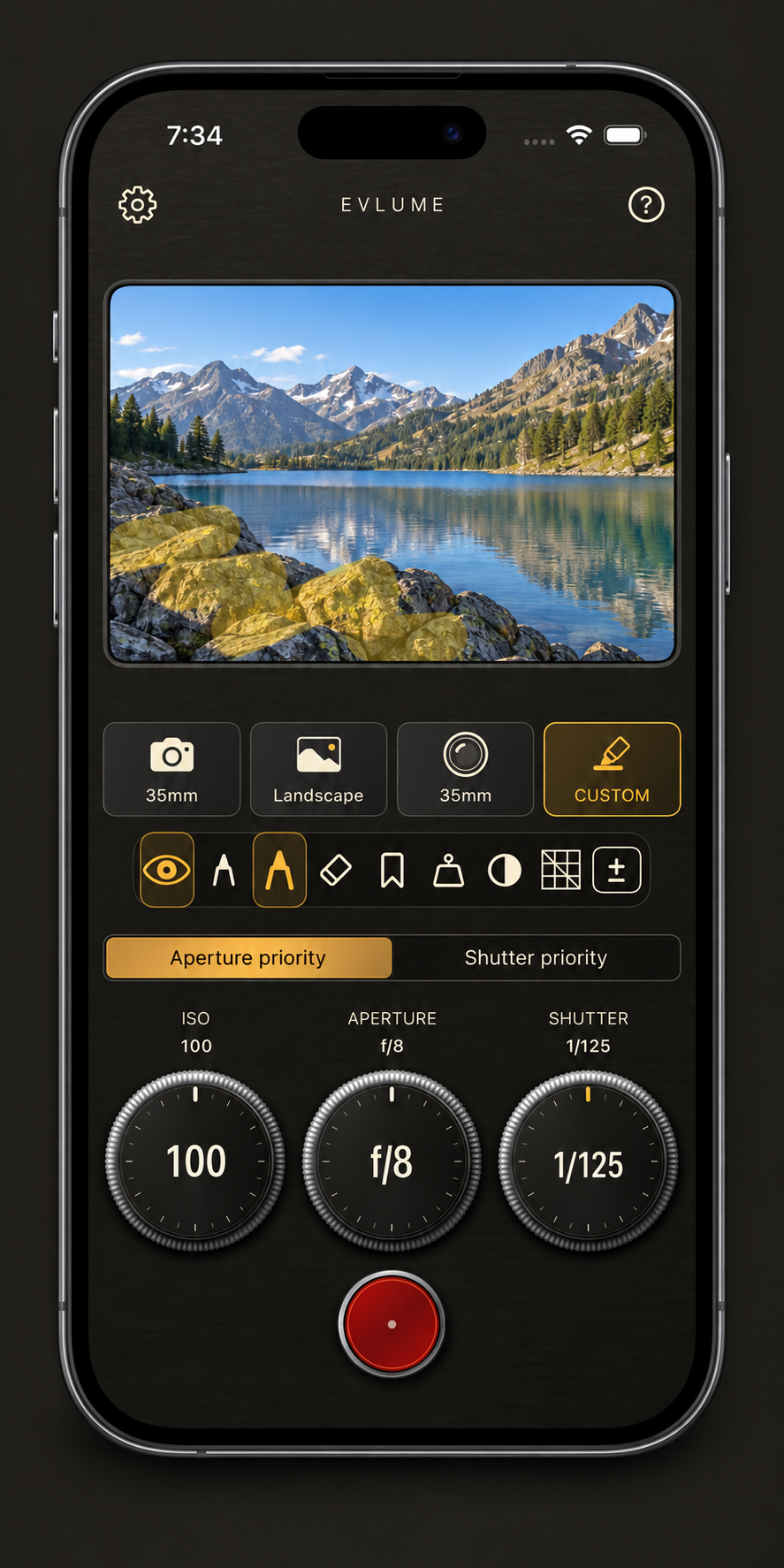
Highlight the rocks and texture that anchor your composition.
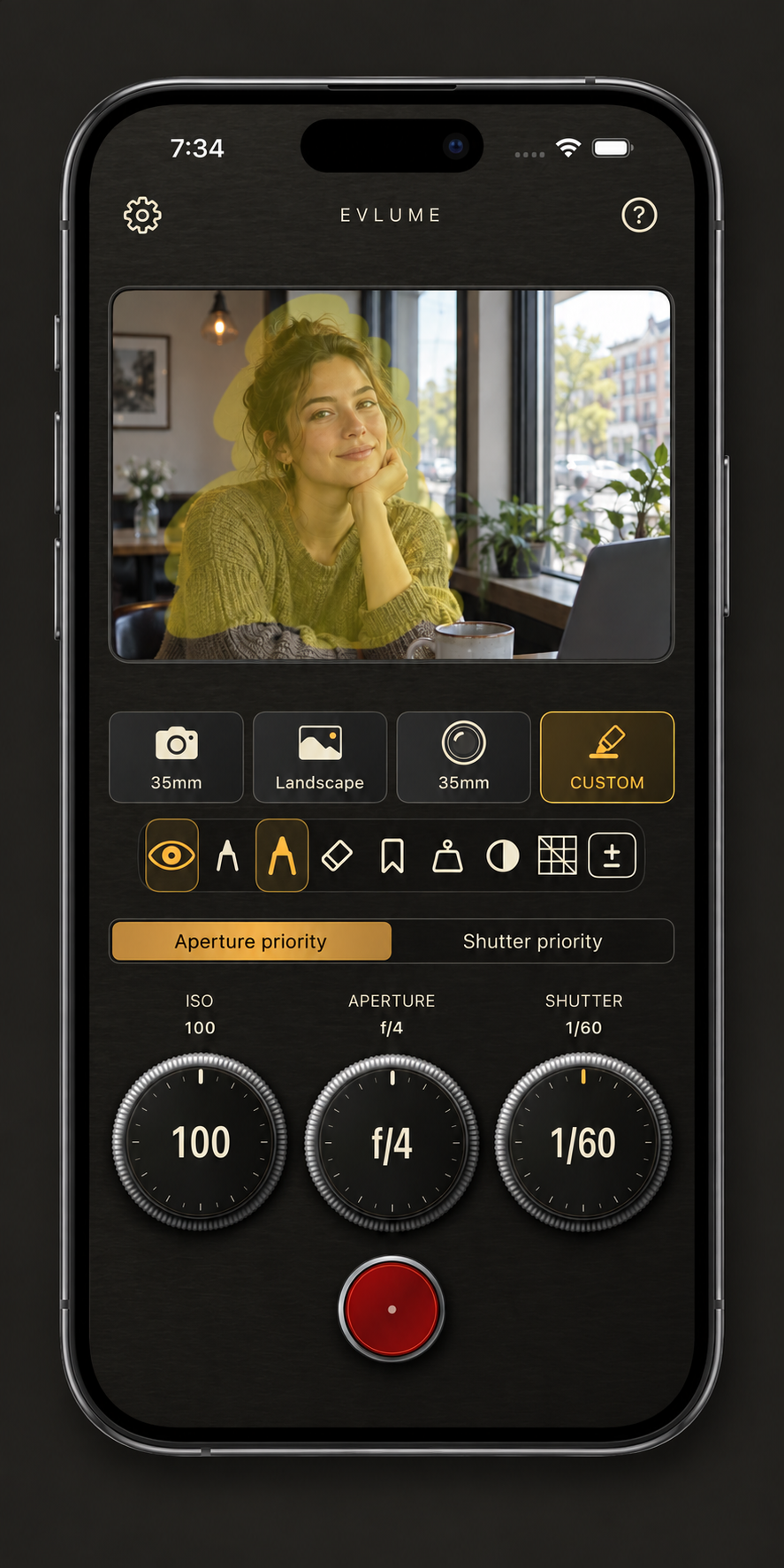
Tell the meter that your subject matters, even with a bright window behind them.
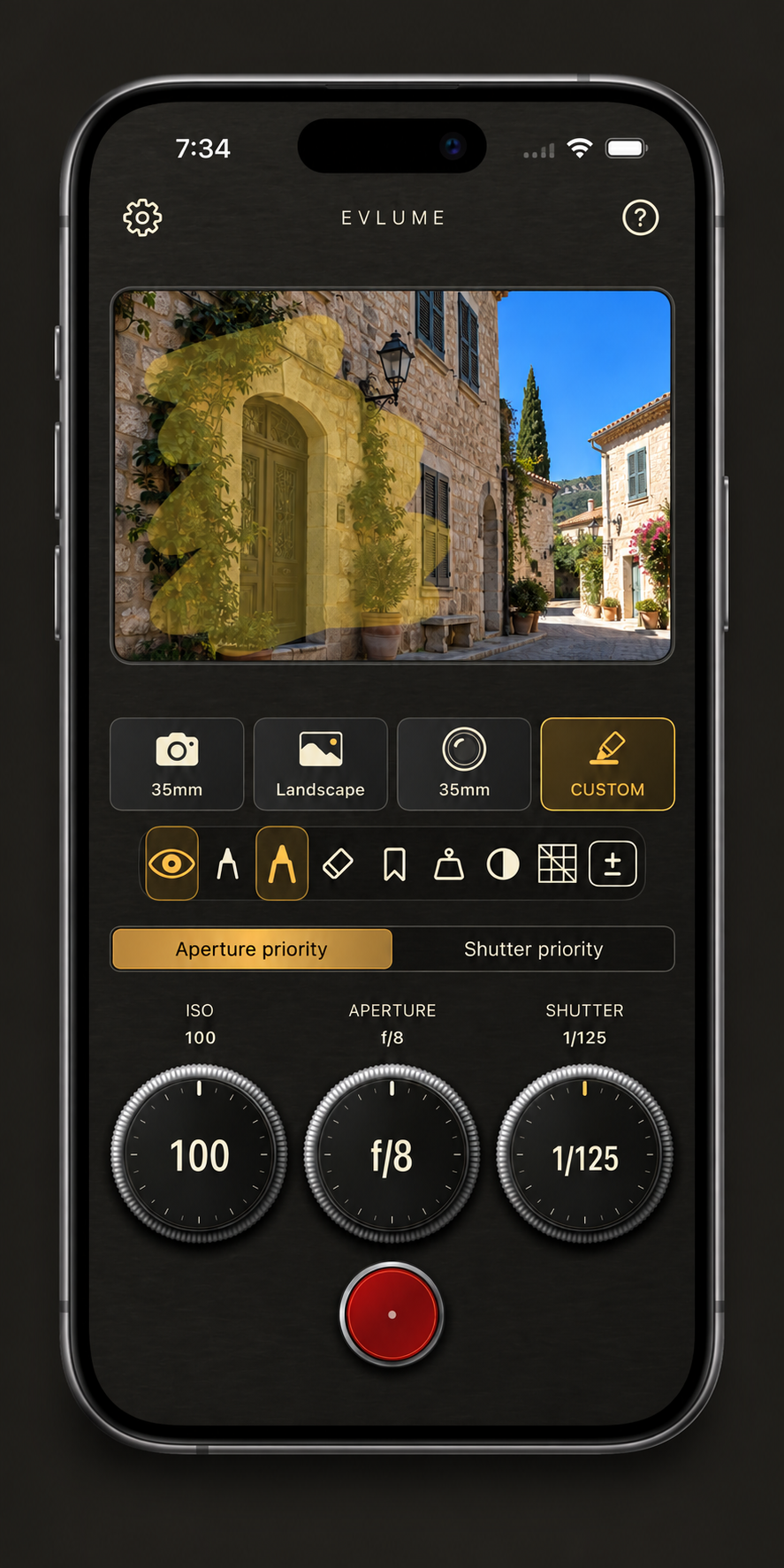
Choose the facade you want to meter when the sky is much brighter.
Illustrative Custom metering previews. Scenes, yellow selections, and exposure readings are examples.
Select your camera format and focal length to preview framing for the equipment you use.
Yellow overlays help show which parts of the frame contribute to your reading.
Use familiar metering modes or highlight your own region with Custom.
“Frame it for your camera.
Meter it for your intention.”
Your trial begins when you choose Start 14-Day Free Trial in the app and Apple confirms the free trial purchase. Every feature is included for 14 days.
Continued access requires a one-time full unlock. You choose whether to purchase it. There is no subscription or automatic charge, and the price is shown in the app before trial activation.
Existing paid customers keep full access. If needed, use Restore Purchases in App Access with the Apple Account used for your purchase.